Migrating from GAMS Studio
If you are coming from GAMS Studio, welcome! GAMS-IDE in VS Code offers a different but powerful experience.
Terminology Mapping
| GAMS Studio Feature | VS Code / GAMS-IDE Equivalent |
|---|---|
| Project (.gpr) | Workspace (Folder or .code-workspace file) |
| Project Settings | Workspace Settings (.vscode/settings.json) |
| Main File | Main GMS File setting |
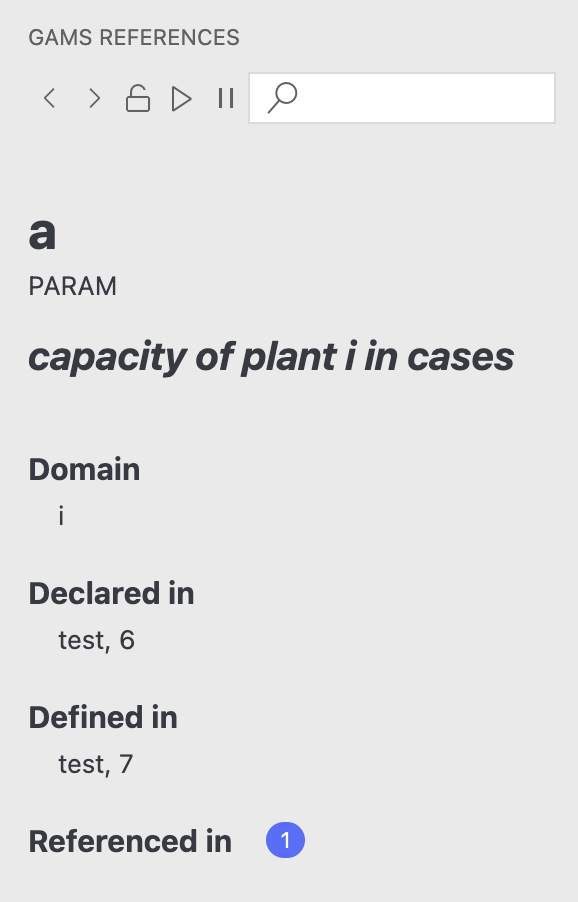
| Reference Viewer | GAMS References Sidebar |
| GDX Viewer | GAMS Data Panel (integrated) or external tools |
| Process Log | Terminal / Output Panel |
Detailed Differences
Projects vs Workspaces
In Studio, you create a Project file (.gpr). In VS Code, you simply open a folder.
- Best Practice: Create a
.vscodefolder in your project root to store settings (likemainGmsFile) that you want to share with your team.
Library & Model Library
- GAMS Studio: Has a built-in library browser.
- GAMS-IDE: Currently does not have a built-in Model Library browser. You can download library models using the command line
gamslibortestlibin the VS Code terminal.
Editing
VS Code is a general-purpose editor, so you gain:
- Superior Find/Replace (Regex support).
- Multi-cursor editing (
Alt+Click). - Git integration built-in.
- Copilot / AI coding assistants.