Using the GAMS References Sidebar
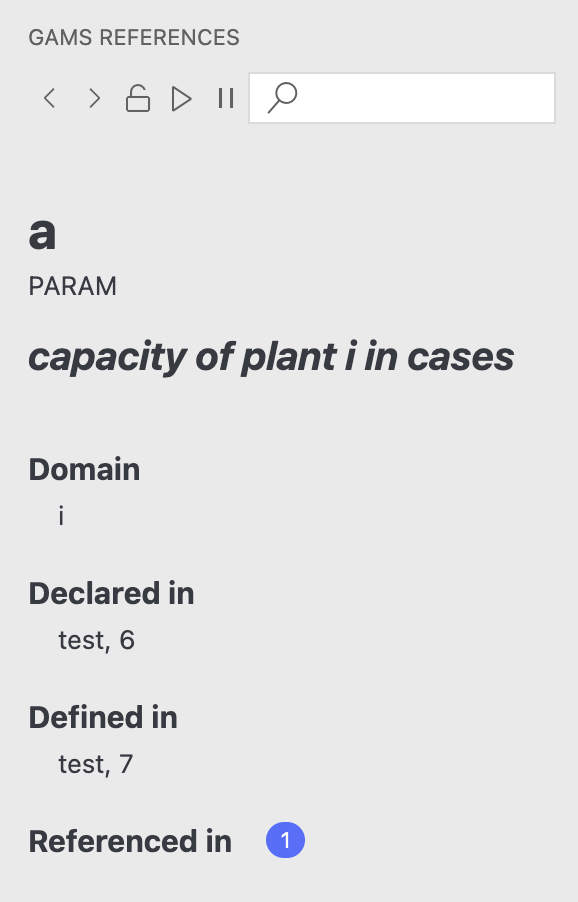
The GAMS References sidebar provides a structural overview of your model's symbols (Reference Tree).
To access it, click the GAMS logo in the Activity Bar (left side).
Features
- Symbol Hierarchy: View all declared symbols (Sets, Parameters, Variables, Equations, Models).
- Navigation:
- Click a symbol to jump to its Declaration.
- Expand a symbol to see:
- Definitions: Where the symbol is defined.
- References: Where the symbol is used in equations or assignments.
- Filtering: Use the search box to find specific symbols.
TIP
This view is generated from the compilation of the model. You may need to compile the model once for it to be populated fully.