Usage Overview
GAMS-IDE transforms VS Code into a powerful development environment for GAMS.
Core Workflow
The typical development loop in GAMS-IDE is:
- Write Code: Use the editor with syntax highlighting, snippets, and autocomplete.
- Compile/Check: Save your file (auto-check) or press
Ctrl+Shift+Bto check for syntax errors. - Fix Errors: Use the Problem Panel to navigate to errors.
- Run: Execute the model with
F5. - Analyze: Check the Data Panel or Listing file for results.
Key Features
- Writing GAMS: Intelligent features like model-aware autocomplete.
- Compiling & Executing: Flexible run configurations.
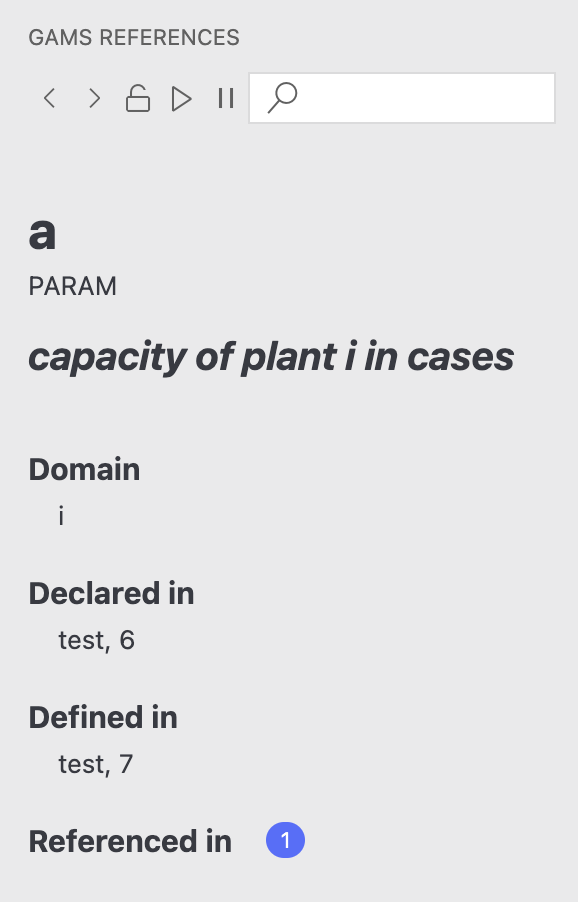
- References Sidebar: Navigate your model's symbol hierarchy.
- Data Panel: View results directly in VS Code.